Rooms To Go EDI with Sellercloud: what SPS Commerce expects and how to get certified
A furniture supplier's guide to Rooms To Go EDI through SPS Commerce: the six documents, what makes their spec different, and testing in SPS's folders before going live from Sellercloud.
· 4 min read
On this page
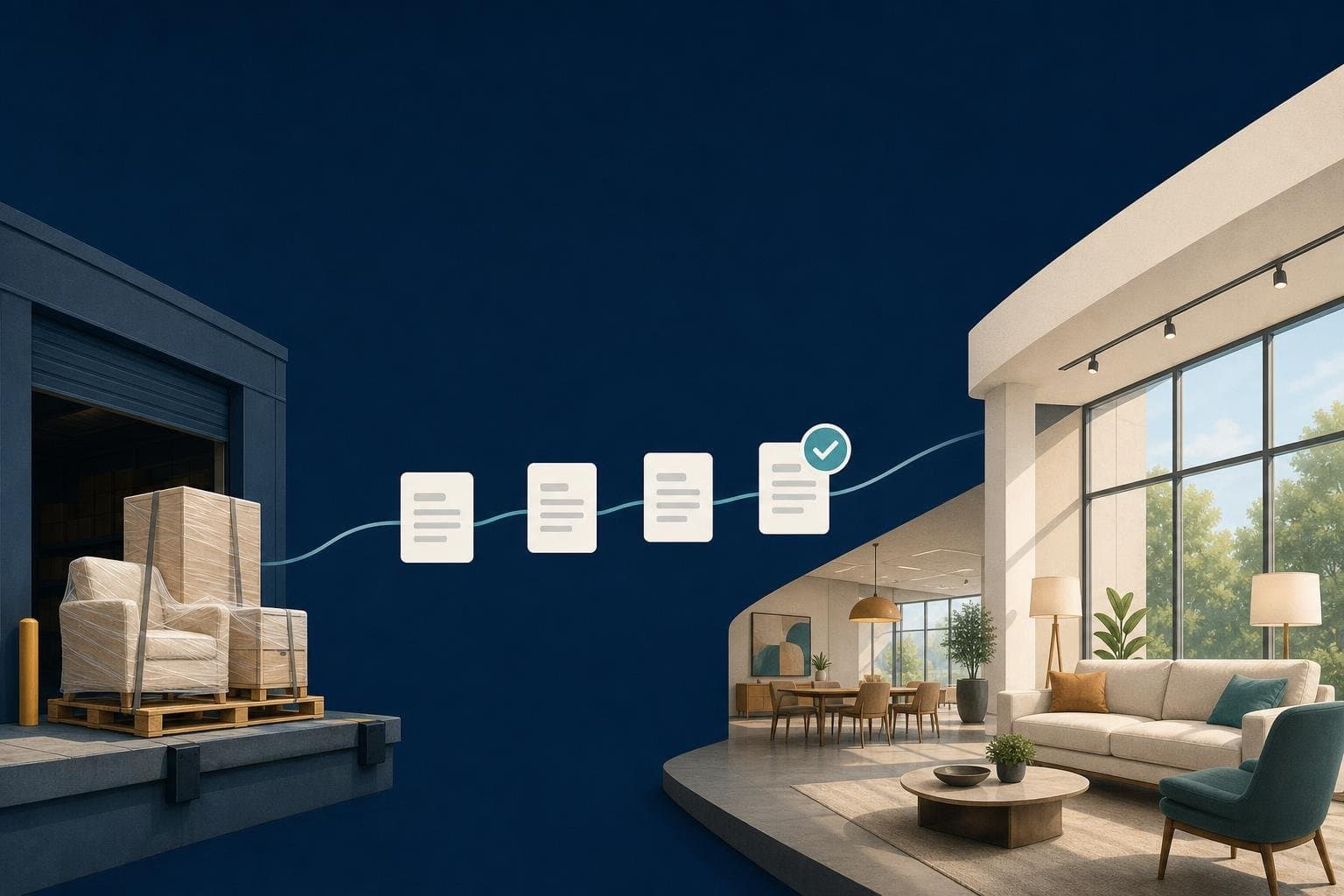
Rooms To Go buys from its suppliers through EDI, and the files travel through SPS Commerce. If you have just been sent their setup sheet and you run your warehouse on Sellercloud, this post explains what goes back and forth, what is particular about Rooms To Go's spec, and how to get through testing without a wrong file reaching them.
Six documents, one order
Rooms To Go uses X12 version 5010. For each order, files move like this:
| Document | Direction | When |
|---|---|---|
| 850 purchase order | Rooms To Go → you | A new order |
| 997 confirmation | You → Rooms To Go | As soon as the order file is read, once per file |
| 855 acknowledgment | You → Rooms To Go | Once the order is in Sellercloud, accepting every line as sent |
| 856 ship notice | You → Rooms To Go | When Sellercloud has tracking, with every package |
| 810 invoice | You → Rooms To Go | With the TSCA statement and your Remit To address |
| 846 stock | You → Rooms To Go | A daily file of what you have |
Rooms To Go also sends a 997 back for each file you send, so you can see what they received.
What makes Rooms To Go's spec different
- Every order gets both a 997 and an 855. Many retailers want one or the other. Rooms To Go wants the 997 straight away and the 855 once the order exists in your system.
- Invoices carry a TSCA statement. Each 810 says whether the product contains composite wood and whether it complies with the EPA's formaldehyde rule. We explain the codes in a separate post.
- Invoices carry your Remit To address and payment terms. You set both once on the connection.
- The stock file uses Rooms To Go's SKU, not yours. Keep each product's Rooms To Go SKU in a Sellercloud product column and the 846 reads it from there.
- Files are named and laid out the way SPS collects them. interSend's Rooms To Go files are checked byte for byte in automated tests against that layout.
Getting certified
SPS usually asks for test files before Rooms To Go turns on live orders. A connection in Test can use separate test folders, so you certify there first:
- Connections → Add a connection → Rooms To Go. The first step lists what to have ready: the SFTP login, your Remit To name and address, and the column that holds Rooms To Go SKUs.
- File transfer → Test the connection. It says Connected only when both the incoming and outgoing folders can be read.
- Under Test settings, enter the test incoming and outgoing folders from SPS. Leave either blank to use the live one. You can also limit how many files a test run picks up.
- Press Start a test run. A real 850 is read and shown, and nothing is created. While a connection is in Test it never runs on its own, and the files it reads are left in the partner's folder rather than moved or deleted.
- Turn on Create orders in Sellercloud, run again, and check the order in Sellercloud.
- Use Preview to see the 997, 855, 856, 810 and 846 the next run would send, with their contents, without sending anything.
- When SPS is ready for your test files, turn on Send to partner. Once you are certified, set the connection to Live: it uses the live folders and starts its schedule.
Day to day
After go-live, each order's page shows its progress, from received to created, shipped and invoiced, with every file exchanged for it. On EDI files, the Needs you tab lists any file Rooms To Go rejected, never confirmed, or that failed to send, with the reason and a Send again button. Alerts go out by email, and to Slack if you add a webhook.
Read the Rooms To Go integration page for the full list of files, or book a setup call to go through Rooms To Go's setup sheet with us. Every plan starts with a 14-day free trial.
About the author
Connect your retail partners to Sellercloud with interSend
Orders in; ship notices, invoices and stock out, with plain-English alerts when something needs you. It starts paused, and nothing is sent until you switch it on.
Book a setup call (opens in a new tab)On the call we create your company's account with you and get your first partner live. You then choose a plan in the app, which starts the free trial.
Keep reading
Jay· · 5 min read
An EDI order failed in Sellercloud. Now what?
A short, repeatable routine for the day an 850 doesn't land in Sellercloud or an 856 bounces: find it, see what the partner actually sent, fix the one thing that's wrong, and re-run it.
edisellercloudtroubleshootingintersend

Emma· · 3 min read
ShopHQ drop ship EDI with Sellercloud: orders, Radial codes and packing slips
How ShopHQ drop ship vendors on Sellercloud handle EDI through Radial's VendorNet: orders in, ship notices with Radial's codes, invoices, stock and ShopHQ-style packing slips.
shophqradialedidrop shipsellercloud
Jay· · 2 min read
The TSCA statement on Rooms To Go invoices: what the codes mean
Rooms To Go asks for a TSCA Title VI statement on every EDI invoice. Here is what NWP, CCW, ECW, CSW and PCW mean, how to choose, and where it goes in the 810.
rooms to goedi810compliance