For brands on Sellercloud that drop ship to retailers and marketplaces
Your retail partners' orders, straight into Sellercloud.
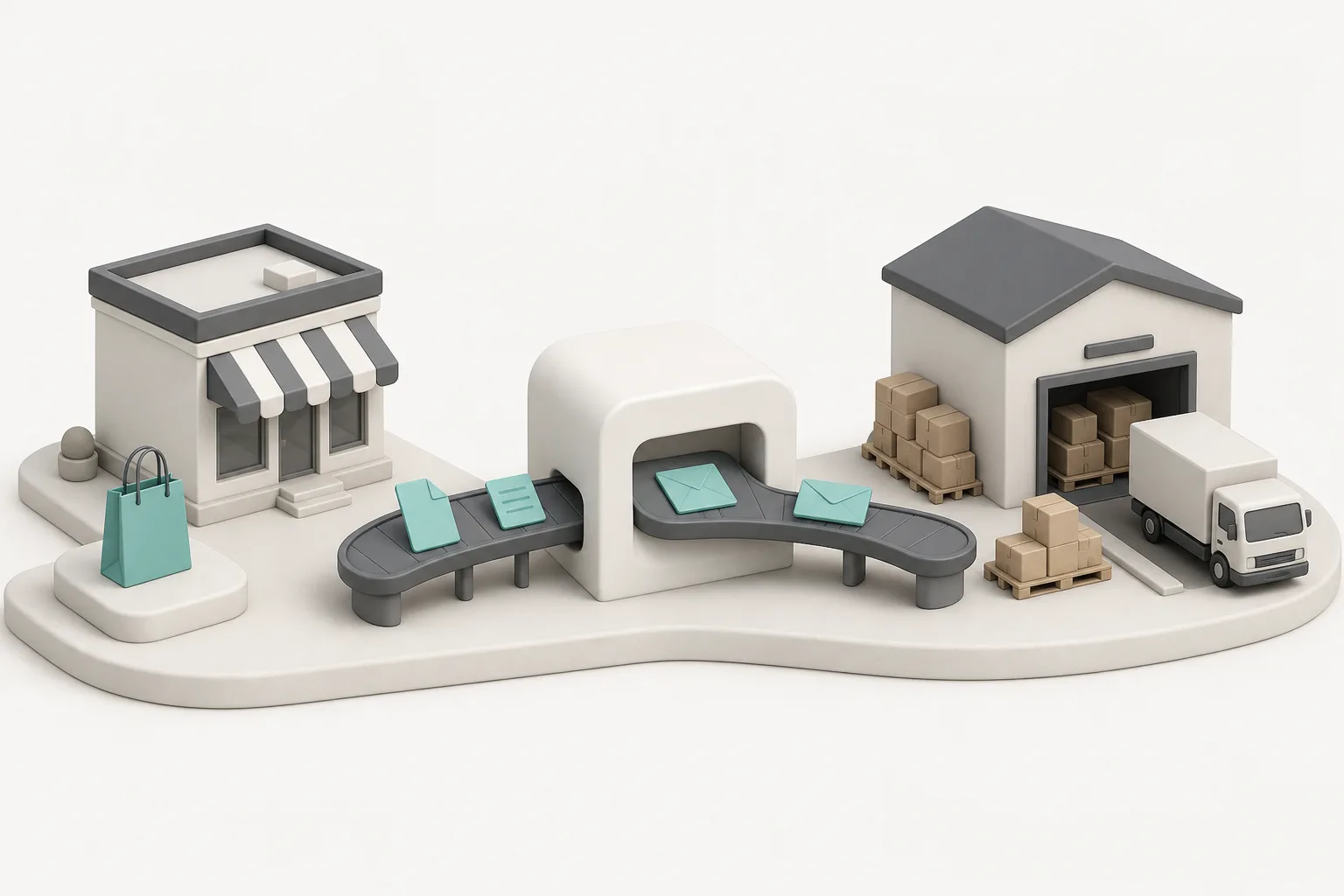
interSend picks up each partner's purchase orders and creates them in Sellercloud. When an order ships, the partner gets the ship notice, every tracking number and the invoice. If something goes wrong, you get a short email saying what to do.
On the call we create your company's account with you and get your first partner live. You then choose a plan in the app, which starts the free trial. Built and supported by Stronger eCommerce.
Plans from $199 a month for up to 500 orders. 14-day free trial, card required; $750 onboarding charged at the start. Nothing is sent to a partner until you switch it on.
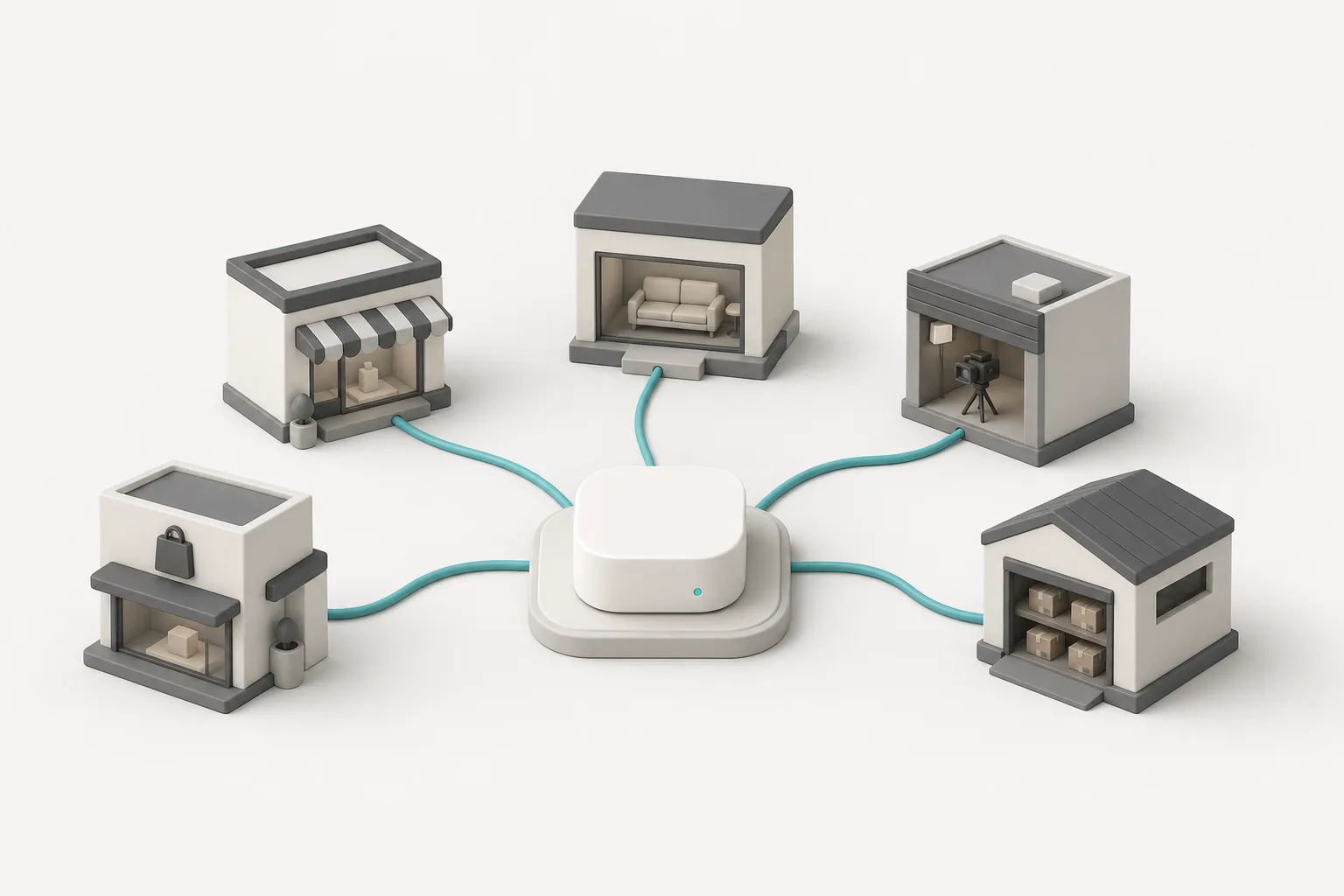
Connects Sellercloud with




Order systems: Sellercloud (Live), interSend built-in (Live), Shopify (In testing).
How it works
Live with a new partner, one safe step at a time
- 1
Connect a partner
Pick the partner, add their SFTP or API details and your Sellercloud login. Each step lists what to have ready.
- 2
Test it on a real order
Every partner connection starts paused. A test run reads a real purchase order and shows it to you. Nothing is created and nothing is sent.
- 3
Switch it on
Turn on creating orders in Sellercloud, then sending to the partner, then go live. From then on it runs by itself, on the schedule you set.
Features
Everything between your partners and Sellercloud
The whole order, from purchase order to invoice, for EDI partners and marketplace APIs alike.
Orders in
Each purchase order becomes a Sellercloud order with the partner's PO number, items, prices and ship-to address. The same order is never created twice.
Shipments and invoices out
When Sellercloud has tracking, the partner gets the ship notice (856) with every tracking number, and EDI partners get the invoice (810). Acknowledgments (855, 997) go out the way each partner wants them.
Stock out
Each partner is told what you have on a schedule, after any safety stock you hold back (the 846 for EDI partners).
Preview without sending
Preview any job on a connection: new orders, shipments, stock or acknowledgments. It runs exactly as the next run would and lists what it would create, accept, send and mark as paid. Nothing is sent and nothing changes.
Packing slips you design
Upload your logo, set the return address, choose what shows and add your returns policy. The preview is exactly what prints.
Wayfair labels, checked
Wayfair's label is attached to the Sellercloud order. A label Wayfair returns for a different order is held back with an alert, so a parcel never goes to the wrong customer.
Alerts that say what to do
If an order is not created or a shipment is not sent, you get a short email or Slack message saying what happened, with a button to the details.
An activity log you can read
Every run is written down in plain English. One click gives a debug report to send to support, with no passwords in it.
Your partner's rules, as settings
File names, layouts, acknowledgment timing and IDs differ by partner. They are settings, not custom code.
Help built in
Ask a question and get an answer from the product guide straight away, or send it to a person at Stronger eCommerce.
On your phone
Every page works at phone size, and it installs to your home screen like an app.
A stock feed that checks itself
A feed that would tell a partner every product is out of stock, or where the share of products at 0 jumps by half or more since the last feed, is held, not sent, and you are alerted.
Marketplace orders marked as paid
Secret Sales and Wayfair take the shopper's payment. Switch this on and each order's balance is recorded as paid in Sellercloud, so it completes after shipping. An order is never paid twice.
Accepted only when in stock
Secret Sales orders can be accepted only when Sellercloud has the stock. Waiting for stock lists what each order is short of and how long until Secret Sales rejects it, and each is accepted as soon as the stock is there.
Rejected products left off
A product Secret Sales turns down as not in their catalogue, or as a duplicate offer, is left off the next feeds instead of being rejected again every hour, and sent again a week later.
Also in interSend
Spreadsheet orders, team roles and shipping without Sellercloud
Orders from a spreadsheet
Order import reads a CSV or Excel (.xlsx) file of orders, one row per item, and records each order on an EDI connection or a custom source in interSend. When that connection's Create orders in Sellercloud switch is on, each order is then created in Sellercloud. Columns are matched and remembered, and every row is checked first. Shipping cost comes across as Sellercloud's shipping fee, and tax as a note on the order.
How order import worksA role for each person on the team
- Viewer:
- Sees every page, order, file and activity entry. Changes nothing.
- Operator:
- Does the day-to-day work: runs jobs and previews, retries and accepts orders, dismisses warnings, sends files again and imports orders from a file.
- Warehouse:
- For companies shipping from interSend: marks orders shipped with boxes, weights and tracking, and counts and adjusts stock.
- Billing:
- Manages the plan, the card and invoices.
- Admin:
- Everything, including connections, API keys, billing and the team.
When someone leaves the company, or stops being an admin, the API keys they made for it are turned off.
Ship without Sellercloud
For brands with no Sellercloud, interSend can keep your products and stock, queue orders for the warehouse, print packing slips and pick lists, and tell the partner when an order ships. Works with Rooms To Go, ShopHQ, any EDI partner, Secret Sales, Wayfair and custom sources. Open to every company.
What shipping from interSend includes
Accounting and shipping
QuickBooks Online and ShipStation
Your own accounts, connected from Settings. Book a setup call if you would like help with either.
- Open to every company
QuickBooks Online
Each 810, Wayfair ship notice and Secret Sales shipment interSend sends becomes a QuickBooks invoice with the same number, date, lines and total, on Sellercloud connections and on connections that ship from interSend. Connect it from Settings.
How QuickBooks Online works - Open to every company
ShipStation
For connections that ship from interSend: orders go to your own ShipStation account, and the labels you buy there come back as shipments the partner is told about. Connect it from Settings.
How ShipStation works
Nothing goes to a partner until you say so
Bringing a retailer live should not mean hoping the first real order goes right.
- New partner connections start paused, with both write switches off.
- Preview any job first: it shows what the next run would do, and nothing is sent and nothing changes.
- A stock feed that would show every product out of stock, or a sudden jump in products at 0, is held, not sent, and you are alerted.
- Test runs never run on the schedule and never delete a partner's file.
- Creating orders in Sellercloud and sending to the partner are separate switches, turned on one at a time.
- Passwords and keys are encrypted and never shown again. Help and Claude never ask for them.
For developers and Claude
An API for your systems. A connection for Claude.
Read orders, files and activity, or send in orders that reach a partner some other way, through a REST API with an OpenAPI document for Postman. Sending the same order twice never creates a second one.
Add interSend to Claude and sign in, with no key to copy, then ask “why did yesterday's Wayfair shipment fail?”. It answers from your own activity log, read only unless an admin lets it fix small things. It can never send anything to a partner or turn writing on, and every change it makes is listed.
Add to Claude (opens in a new tab)Create an order
curl -X POST "https://your-address/api/v1/orders" \
  -H "Authorization: Bearer $INTERSEND_KEY" \
  -H "Content-Type: application/json" \
  -d '{ "integrationId": 3, "reference": "PO-77812", ... }'
Pricing
Priced by orders a month
Pick a plan by how many orders you get a month. Orders over your plan's limit are $0.25 each. An order counts when it reaches interSend, whatever happens to it afterwards.
Every plan starts with a 14-day free trial. A card is required to start it, and the plan fee is first charged when the trial ends, unless you cancel before then.
If you install interSend from the Shopify App Store, you pay the same prices through Shopify, on your store's Shopify bill.
Starter
$199 /month
up to 500 orders a month
Growth
$399 /month
up to 1,500 orders a month
Pro
$699 /month
up to 4,000 orders a month
Scale
$999 /month
up to 10,000 orders a month
Onboarding
$750 one-time
Charged when you start, not after the trial, for setting up your account and first connections.
Every plan includes
- Every partner you connect
- Orders, ship notices, invoices, acknowledgments and stock
- Alerts by email and Slack
- Order import from CSV and Excel files
- Team roles: Viewer, Operator, Warehouse, Billing and Admin
- The REST API and Claude connection
- Help from a person at Stronger eCommerce
On the call we create your company's account with you and get your first partner live. You then choose a plan in the app, which starts the free trial.
FAQ
Questions
What does interSend do?
It moves orders between the places you sell and Sellercloud. Purchase orders come in as Sellercloud orders, and ship notices, invoices and stock go back to each partner automatically.
Do I need Sellercloud?
No. Each connection uses Sellercloud or interSend's built-in order system, which is open to every company and keeps your products and stock, a warehouse queue, packing slips and shipments, with no Sellercloud. Shopify as an order system is in testing: partner orders can be created in a Shopify store, their shipments go back to the partner, and the partner is told the store's stock.
Which partners does it work with?
Wayfair (supplier API), Rooms To Go (EDI through SPS Commerce), ShopHQ (EDI through Radial) and Secret Sales (marketplace API). Other partners that exchange X12 EDI files over SFTP can be set up too: their file names, layout and acknowledgment rules are settings.
Does it work with QuickBooks or ShipStation?
Yes, both, for every company: an admin connects each from Settings, or book a setup call for help. QuickBooks Online gets a copy of each 810, Wayfair ship notice and Secret Sales shipment interSend sends, with the same number, date, lines and total, on Sellercloud connections and on connections that ship from interSend. ShipStation works only on connections that ship from interSend: orders go to your ShipStation account, and the labels you buy there come back as shipments the partner is told about.
Sellercloud already has EDI. Why use this?
interSend works alongside Sellercloud. You set each partner up and test it yourself, one at a time; every run is explained in plain English; you get an email when something needs you; and it covers the checks that matter for dropship, such as Wayfair label checks and the Rooms To Go invoice requirements.
Can I try it without creating real orders?
Yes, two ways. Preview runs any job (new orders, shipments, stock, acknowledgments) exactly as its next run would and lists what it would do, with nothing sent and nothing changed. And every partner connection starts paused: in test, a run reads a real order and shows you what would happen, with nothing created in Sellercloud and nothing sent to the partner.
What happens when something fails?
You get a short email (and a Slack message if you want one) naming the connection and what went wrong, with a button to the details. The order page says what to do next.
Is my data safe?
Passwords and keys are encrypted, never shown again and never asked for in chat. API keys can be look-only, and every change a key makes is listed in the activity log.
Does it work with Claude?
Yes. Add interSend to Claude (or ChatGPT, Cursor or VS Code) and sign in, then ask about your orders, files and activity, or ask it to reconcile an order against Sellercloud. Allowed to fix small things (an admin chooses that when signing in), it can also retry an order or dismiss a warning when you ask, and each change is on the activity log. Claude can never send anything to a partner or turn writing on.
Is there an API?
Yes. A REST API with an OpenAPI document reads connections, orders, files and activity. A full-access key, for systems you control, can also create orders on an EDI connection or custom source, run a job or send a file again. Sending the same order twice never creates a second one.
Can I import orders from a spreadsheet?
Yes. Import a CSV or Excel file into an EDI connection or a custom source. Columns are matched for you and remembered, every row is checked before anything changes, order numbers already there are skipped, and with Create orders in Sellercloud on, each order is created there like any other. Shipping cost comes across as Sellercloud's shipping fee, and tax as a note on the order.
Can people on my team have different access?
Yes. Each person has a role: Viewer, Operator, Warehouse, Billing or Admin, set on Settings → Team. When someone leaves, the API keys they made for the company are turned off.
How much does it cost?
Monthly plans: Starter $199/month (up to 500 orders a month), Growth $399/month (up to 1,500 orders a month), Pro $699/month (up to 4,000 orders a month), Scale $999/month (up to 10,000 orders a month). Orders over your plan's limit are $0.25 each. Every plan starts with a 14-day free trial. A card is required to start it, and the plan fee is first charged when the trial ends, unless you cancel before then. $750 one-time onboarding, charged when you start, not after the trial. Book a setup call and we will get your first partner live.
What counts as an order?
An order counts when it reaches interSend, whatever happens to it afterwards. Orders over your plan's limit are not charged during the free trial.
Bring your next partner live without the guesswork
It starts paused. Nothing is sent until you switch it on.
On the call we create your company's account with you and get your first partner live. You then choose a plan in the app, which starts the free trial.
Page last updated .